📖
[JS] 알고리즘 - 키패드 누르기
2023.01.04
[JS] 알고리즘 - 키패드 누르기

2020 카카오 인턴십에 나왔던 문제, 프로그래머스 기준 레벨 1이라는데 나 왜 눈물이..😥
구현 전 생각한 부분
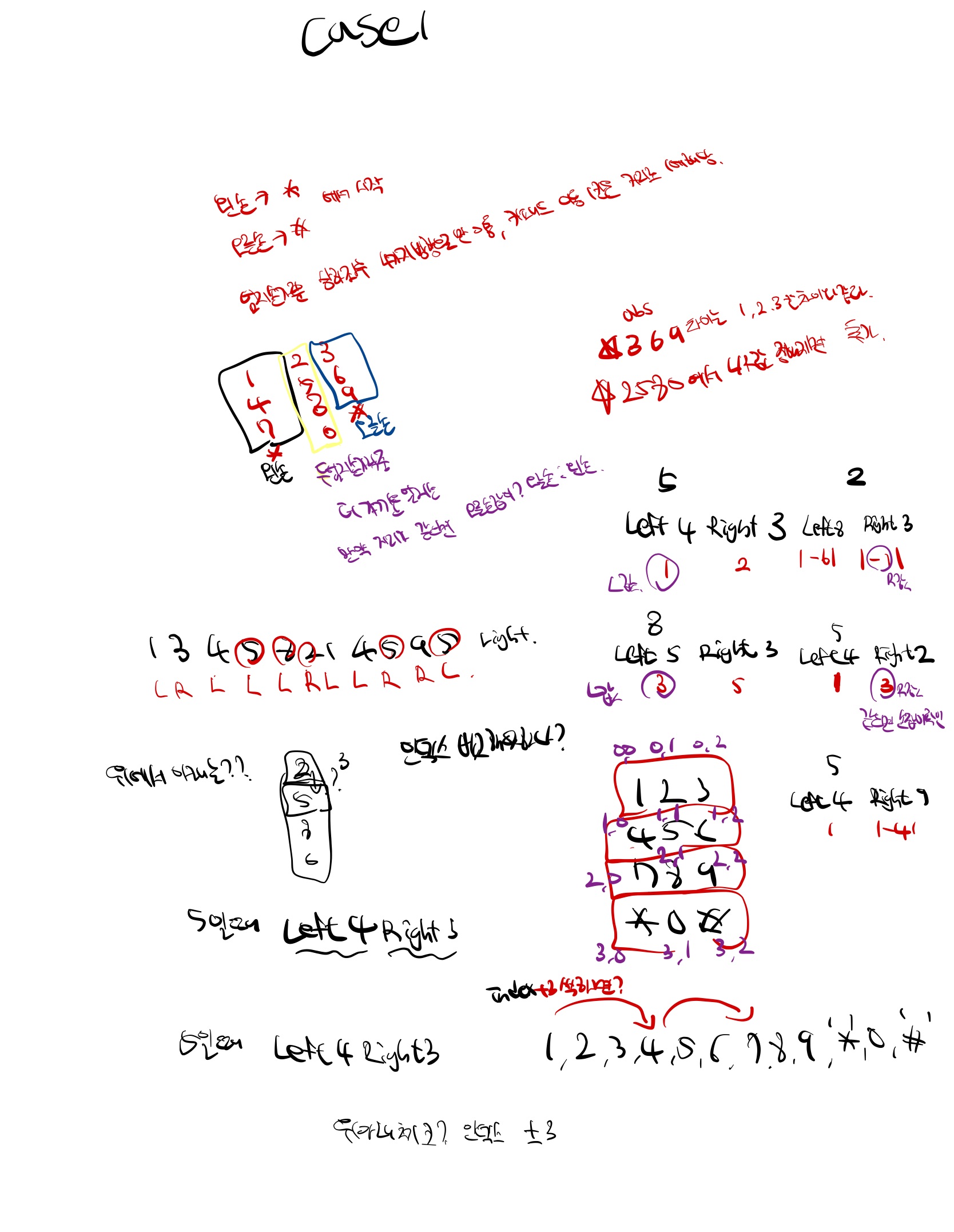
- 2차원 배열로 구현하지 않고, 1차원 배열로 구현 방향을 잡았어서, ** *,0,# ** 은 10, 11, 12로 처리했음
- 3,6,9는 무조건 오른손, 1,4,7은 무조건 왼손으로 터치하며, 2,5,8,0은 두 엄지손가락에서 거리가 가까운 손가락이 터치한다.
1차 구현 결과
function solution(numbers, hand) {
  let result = [];
  let left = 0;
  let right = 0;

  numbers.map(function (item, index, array) {
    if (item === 1 || item === 4 || item === 7 || item === '*') {
      result.push('L');
      left = numbers[index];
    }
    if (item === 3 || item === 6 || item === 9 || item === '#') {
      result.push('R');
      right = numbers[index];
    }
    if (item === 2 || item === 5 || item === 8 || item === 0) {
      let compareLeft = Math.abs(numbers[index] - left);
      let compareRight = Math.abs(numbers[index] - right);

      if (compareLeft % 3 === 0) {
        compareLeft = compareLeft / 3;
      }
      if (compareRight % 3 === 0) {
        compareRight = compareRight / 3;
      }
      if (compareLeft < compareRight) {
        result.push('L');
        left = numbers[index];
      } else if (compareLeft > compareRight) {
        result.push('R');
        right = numbers[index];
      } else {
        if (hand === 'left') {
          result.push('L');
          left = numbers[index];
        }
        if (hand === 'right') {
          result.push('R');
          right = numbers[index];
        }
      }
    }
  });
  return result.join('');
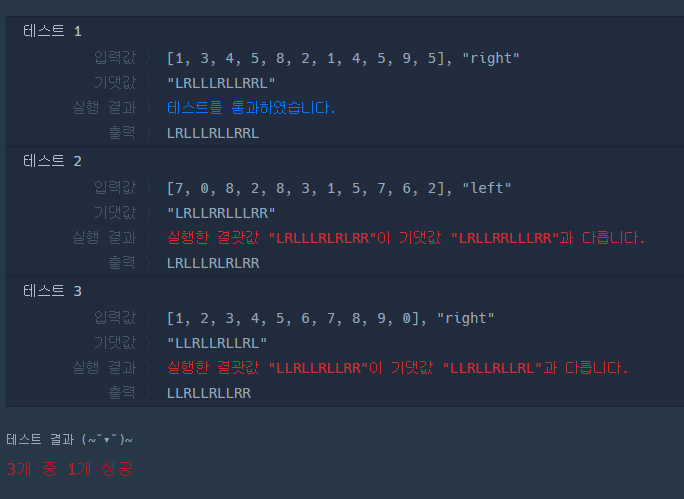
}- 테스트 케이스 1만 통과가 되었다.(테케1 기준으로 코드 작성 하긴함)
- 구현 전 생각했던 것 처럼
1,4,7은 왼손3,6,9는 오른손으로 푸쉬시켰으며,2,5,8,0일때 거리의 절대값이 작은 쪽이 더 가깝다고 체크했다.- 또한, 3의 배수는 바로 위/아래에 있다고 판단하였음(ex : 키패드 ‘5’와 ‘8’). 따라서 3으로 나누어 절대값을 가공했다.
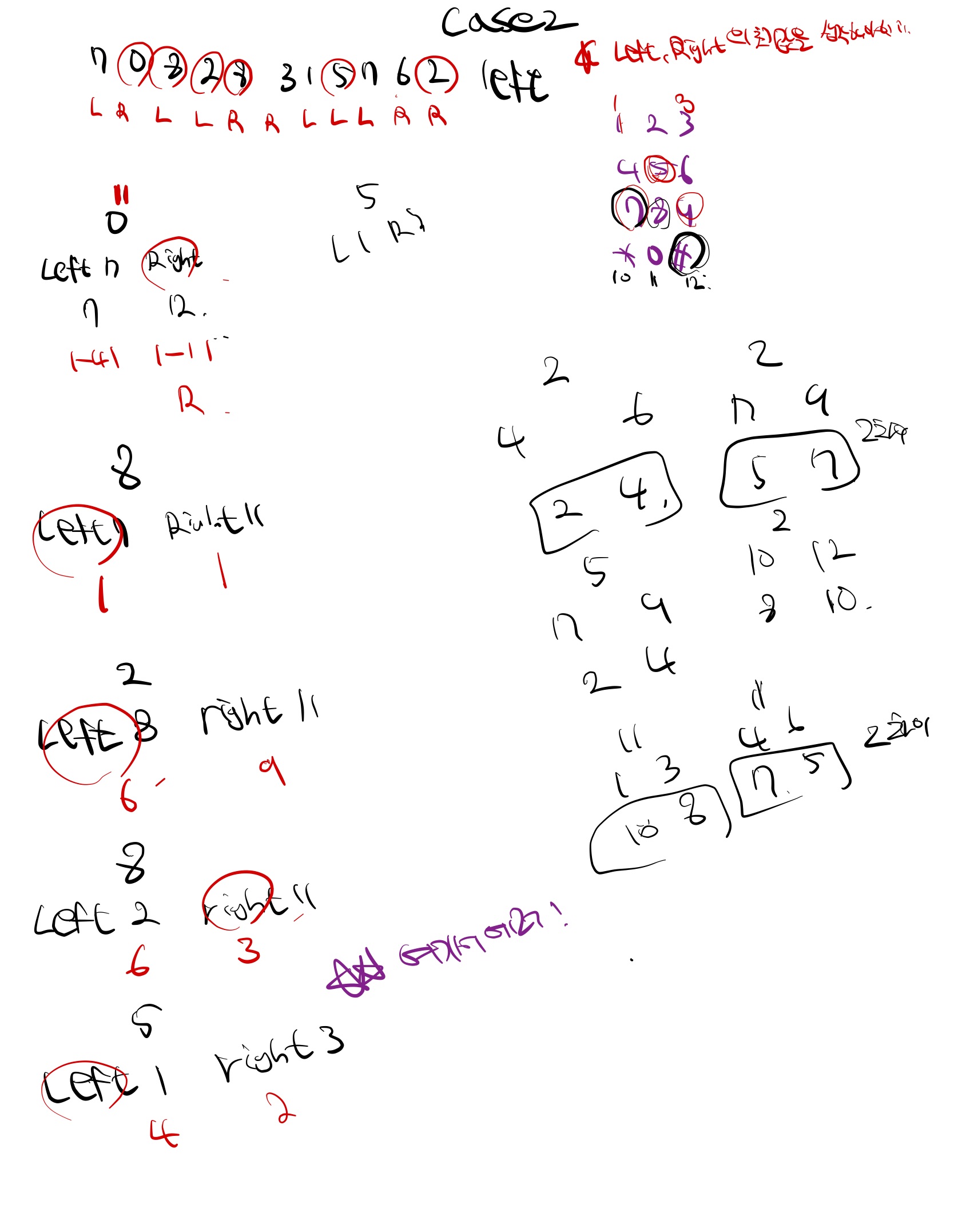
left, right에 저장된 값들은 다시left, right에 재할당했다.- 테스트 케이스2, 3을 해결하기 위해서 다음과 같이 구현했다.
2차 구현 결과

function solution(numbers, hand) {
  let result = [];
  let left = -1; // 아직 값이 안들어있음
  let right = -1; // 아직 값이 안들어있음  그래서 이값들을 -1으로 참조하면 값 출력이 제대로 안됨. left -1은 *, right -1은 #

  function rightLogic(numbers, index) {
    result.push('R');
    right = numbers[index];
  }

  function leftLogic(numbers, index) {
    result.push('L');
    left = numbers[index];
  }

  numbers.map(function (item, index, array) {
    if (item === 1 || item === 4 || item === 7 || item === '*') {
      leftLogic(numbers, index);
    }
    if (item === 3 || item === 6 || item === 9 || item === '#') {
      rightLogic(numbers, index);
    }
    if (item === 2 || item === 5 || item === 8 || item === 0) {
      if (item === 0) {
        numbers[index] = 11;
      }
      if (left === -1) {
        left = 10;
      }
      if (right === -1) {
        right = 12;
      }
      let LeftDistance = Math.abs(numbers[index] - left);
      let RightDistance = Math.abs(numbers[index] - right);

      let compareLeftRightDistance = Math.abs(LeftDistance - RightDistance);
      if (LeftDistance % 3 === 0) {
        LeftDistance = LeftDistance / 3;
      }
      if (RightDistance % 3 === 0) {
        RightDistance = RightDistance / 3;
      }
      if (compareLeftRightDistance !== 2) {
        if (LeftDistance < RightDistance) {
          leftLogic(numbers, index);
        } else if (LeftDistance > RightDistance) {
          rightLogic(numbers, index);
        } else {
          if (hand === 'left') {
            leftLogic(numbers, index);
          }
          if (hand === 'right') {
            rightLogic(numbers, index);
          }
        }
      }

      if (compareLeftRightDistance === 2) {
        if (numbers[index] - 1 === left && numbers[index] + 1 === right) {
          if (hand === 'left') {
            leftLogic(numbers, index);
          }
          if (hand === 'right') {
            rightLogic(numbers, index);
          }
        }
        if (numbers[index] - 1 === left) {
          leftLogic(numbers, index);
        }
        if (numbers[index] + 1 === right) {
          rightLogic(numbers, index);
        }

        if (numbers[index] > left) {
          leftLogic(numbers, index);
        }
        if (numbers[index] < left) {
          rightLogic(numbers, index);
        }
      }
    }
  });
  return result.join('');
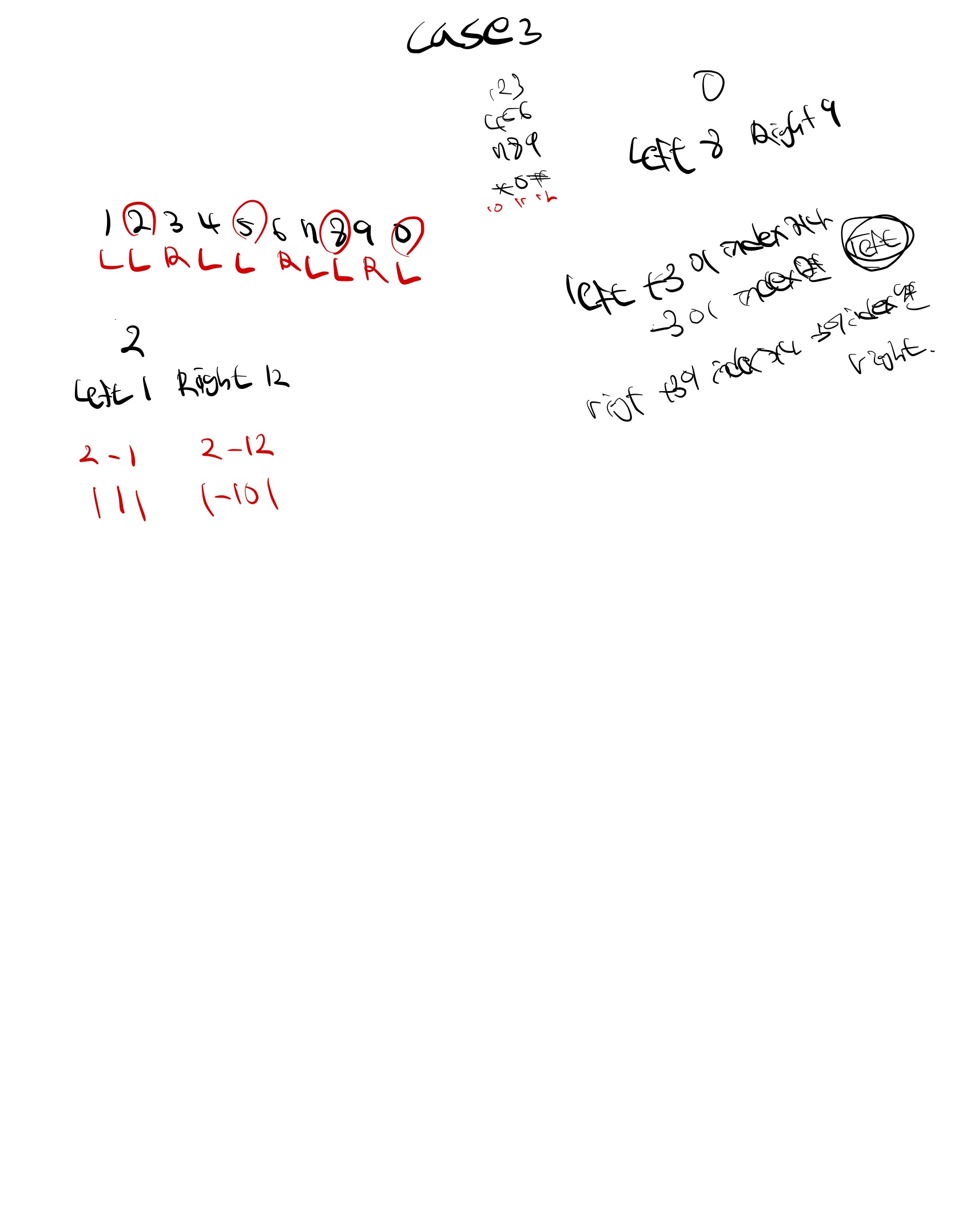
}- 테스트 케이스 2,3에서는 통과가 되는데 1에서만 안되는 현상 발생🥲
left,right를 -1로 초기화했다(숫자 범위 내에 없는 값으로 골랐음)
3차 구현 결과
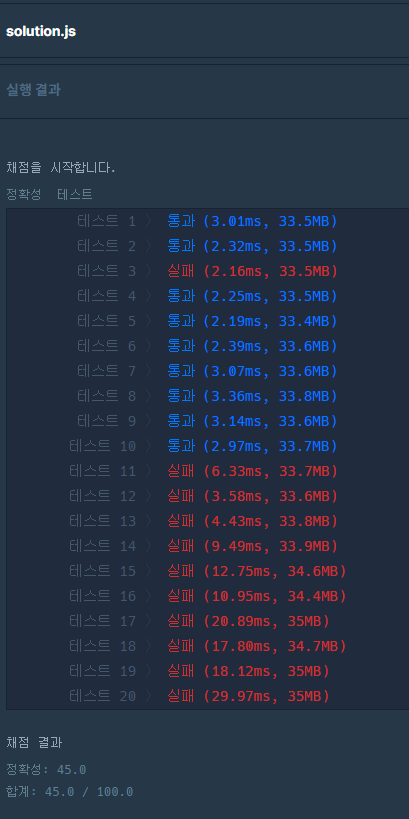
- 테스트케이스 1,2,3은 통과되었는데, 채점에서는 45점을 넘기지 못함 :(
/**
 *
 * 못 풀 었 다 ㅠ_ㅠ
 */

function solution(numbers, hand) {
  let result = [];
  let left = -1;
  let right = -1;

  function rightLogic(numbers, index) {
    result.push('R');
    right = numbers[index];
  }
  function leftLogic(numbers, index) {
    result.push('L');
    left = numbers[index];
  }

  function selectHand(numbers, index, hand) {
    if (hand === 'left') {
      leftLogic(numbers, index);
    }
    if (hand === 'right') {
      rightLogic(numbers, index);
    }
  }

  numbers.map(function (item, index, array) {
    if (item === 1 || item === 4 || item === 7 || item === '*') {
      leftLogic(numbers, index);
    }
    if (item === 3 || item === 6 || item === 9 || item === '#') {
      rightLogic(numbers, index);
    }
    if (item === 2 || item === 5 || item === 8 || item === 0) {
      if (item === 0) numbers[index] = 11;
      if (left === -1) left = 10;
      if (right === -1) right = 12;
      let LeftDistance = Math.abs(numbers[index] - left);
      let rightDistance = Math.abs(numbers[index] - right);
      if (LeftDistance % 3 === 0) {
        LeftDistance = LeftDistance / 3;
      }
      if (rightDistance % 3 === 0) {
        rightDistance = rightDistance / 3;
      }

      if (right + 2 == numbers[index] && right - 2 == left) {
        selectHand(numbers, index, hand);
      } else if (left + 2 == right && left - 2 == numbers[index]) {
        selectHand(numbers, index, hand);
      } else if (left + 3 === numbers[index] || left - 3 === numbers[index]) {
        leftLogic(numbers, index);
      } else if (right + 3 === numbers[index] || left - 3 === numbers[index]) {
        rightLogic(numbers, index);
      } else if (LeftDistance < rightDistance) {
        leftLogic(numbers, index);
      } else if (LeftDistance > rightDistance) {
        rightLogic(numbers, index);
      } else {
        selectHand(numbers, index, hand);
      }
    }
  });
  return result.join('');
}- 테스트케이스에 맞춰서 조건을 설정해주면 통과가 될 줄 알았는데 채점을 돌렸을 때 통과되지 않는 케이스 발생
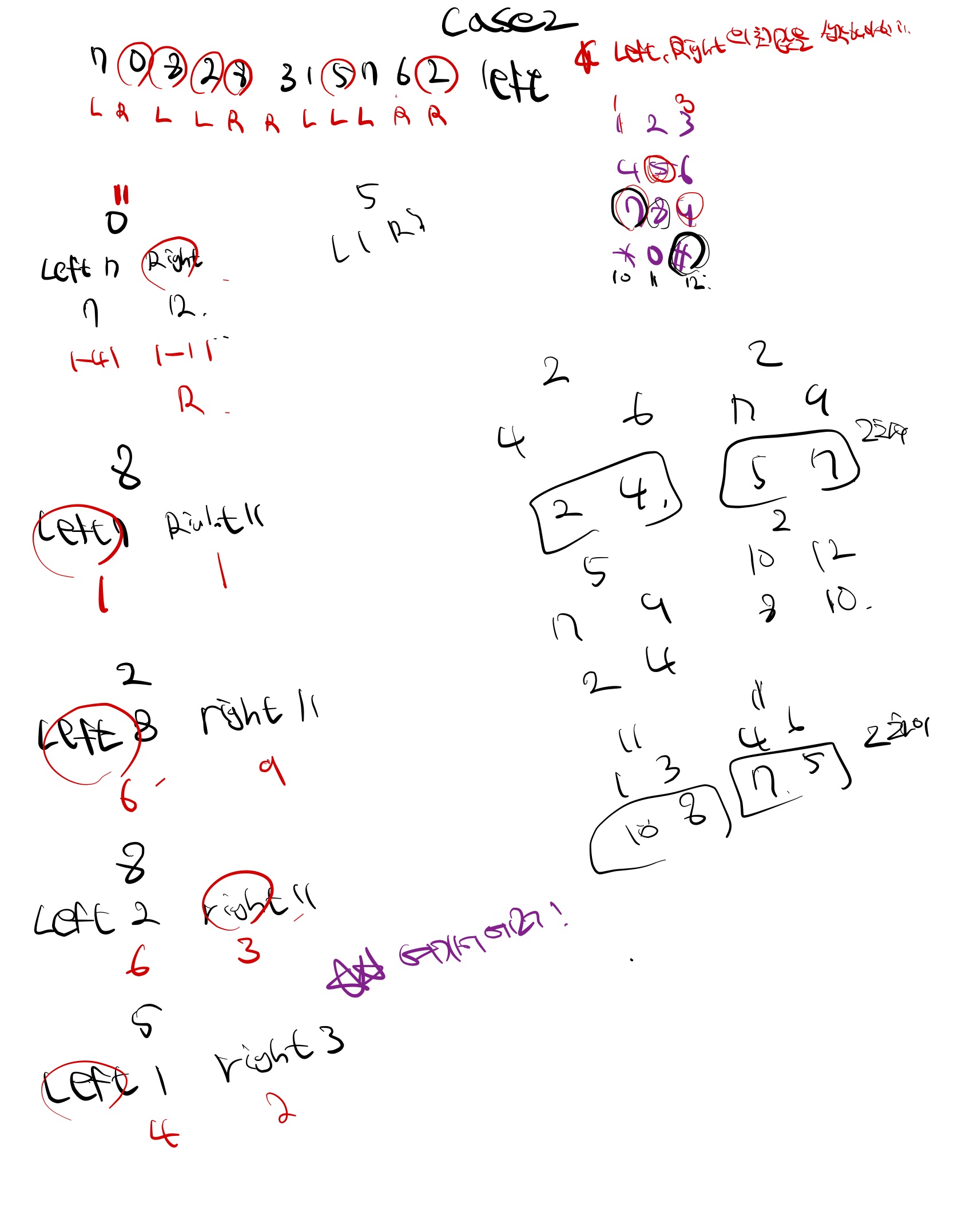
right에서 2를 더한 값이numbers[index]이고 2를 뺀 값이left값이라면 (ex :index : 5, left : 1 , right : 3hand를 고르는 함수로 넘어가도록했다.
마무리
- 일차원 배열로 해결하려다 보니,
*, 0, #을 후처리해야 하는 과정이 필요했다. 차라리 JSON 형식으로 만들었으면 후처리하는 과정은 필요없었을 것 같다.- 이로 인해 if 조건을 무분별하게 사용한 것 같다.
- 다른사람들이 쓴 코드를 확인해보니 이차원 배열을 주로 사용했다. 애초에 나도 이차원으로 방향을 잡았어야 했는데, 처음 일차원으로 구현을 시작해서 테스트 케이스를 통과하다보니 뭔가 될 것 같은데?라는 생각으로 계속 밀고 나갔다.
- 혹시, 1차원 배열로 해결하신 분이 이 글을 보신다면 문제점을 말씀해주시면 감사하겠습니다 ㅠㅠ
👇 도움이 되셨다면 👇